Features
Trading journal features, one page each
What each part of daqverse does, how it fits a trading day, with screenshots from the app.
Before the open
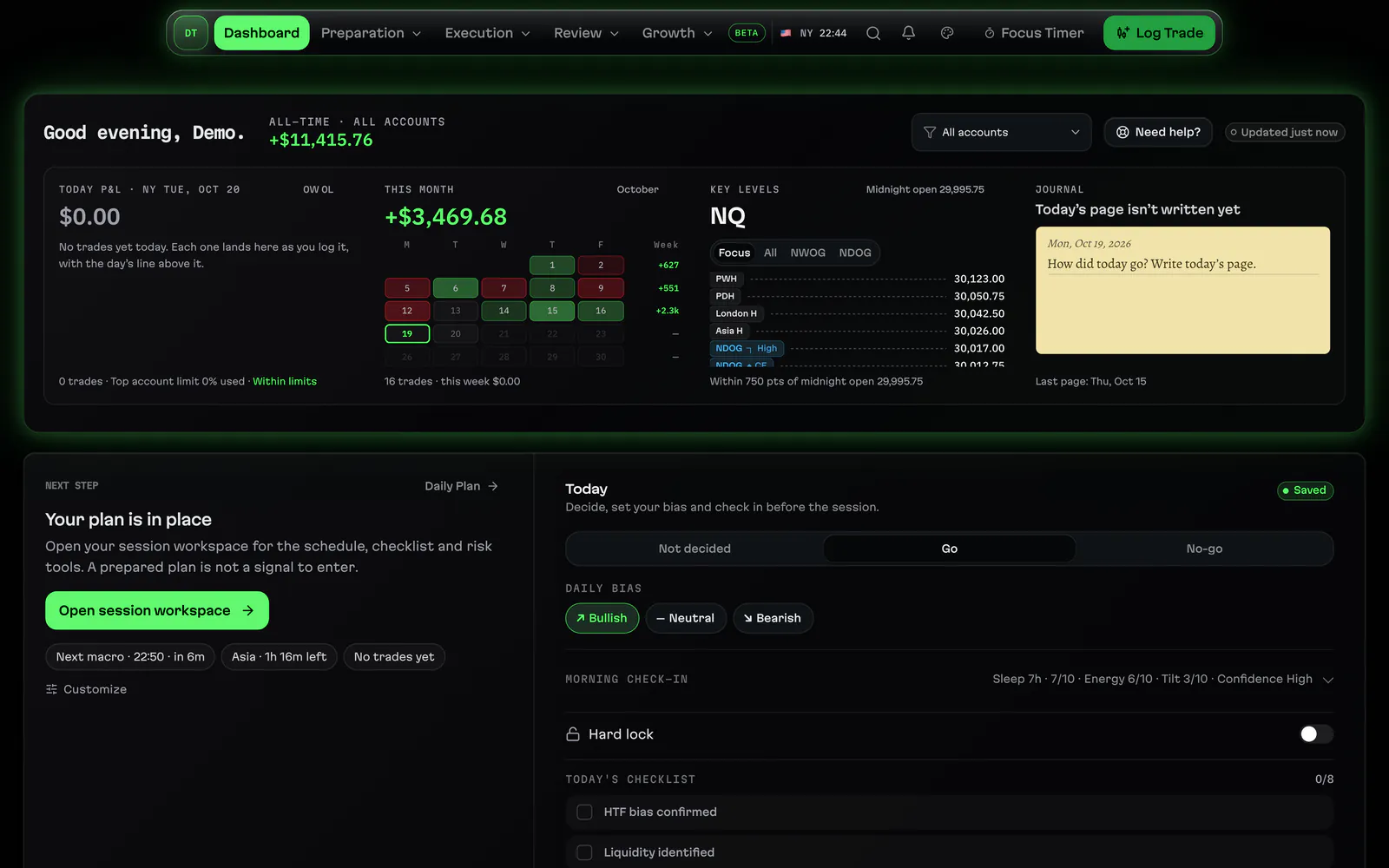
Home dashboardHome in daqverse: today's P&L, the week, the kill zone and session status, your next step and today's habits on one screen.
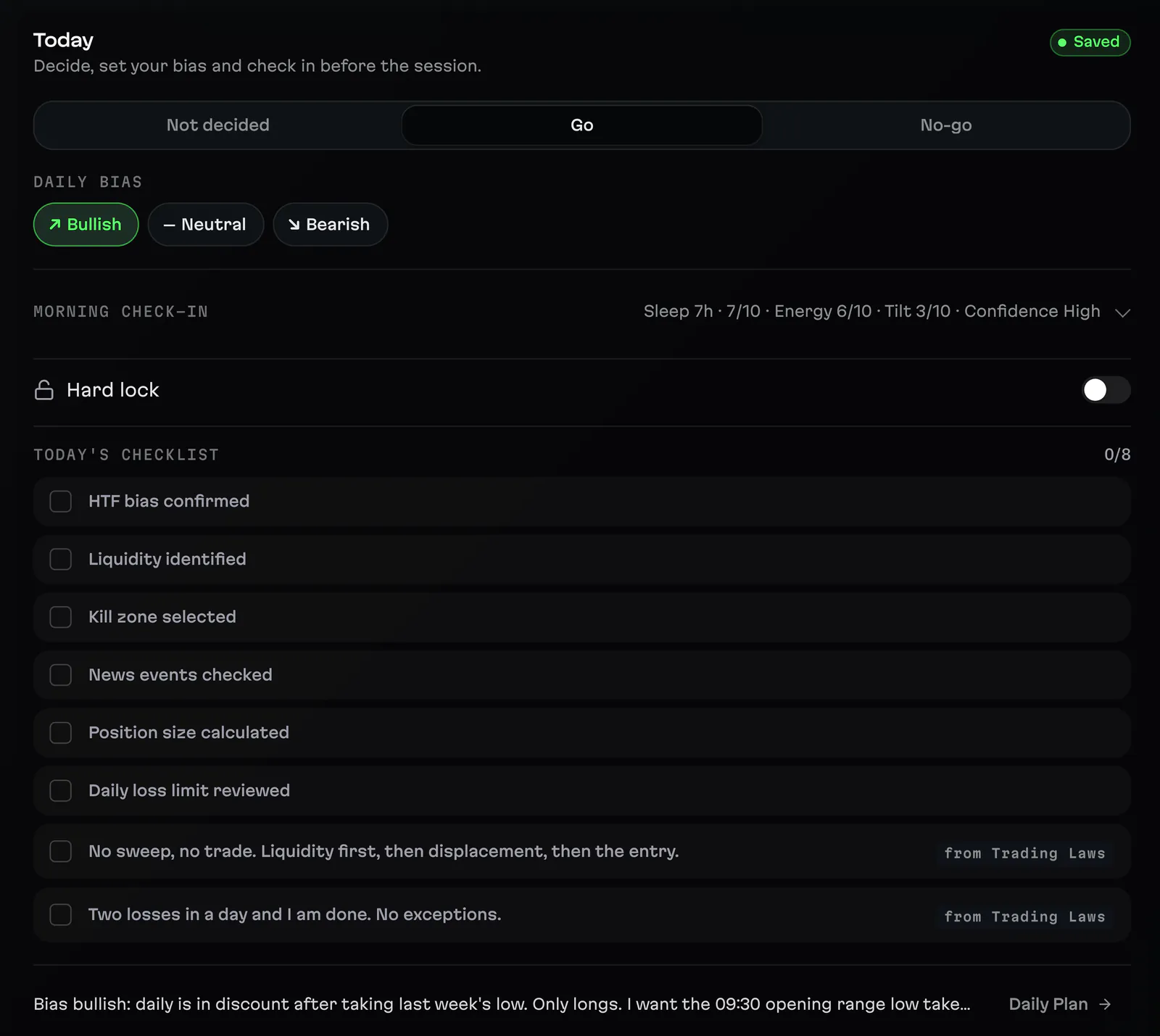
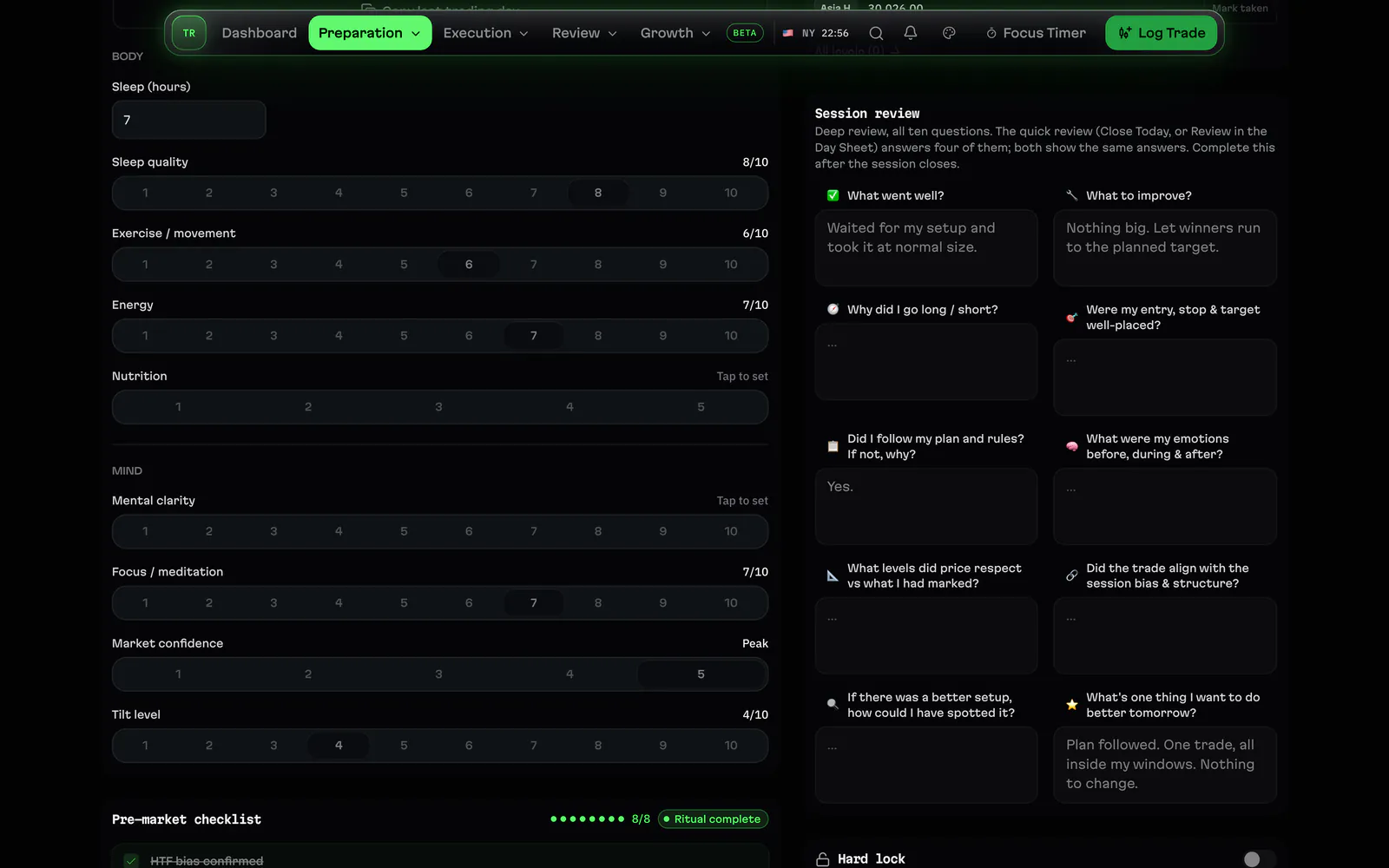
Pre-market checklistCheck in before the open: GO or NO-GO, your bias, how you feel and your own Trading Laws, with a Hard Lock for the days you call it.
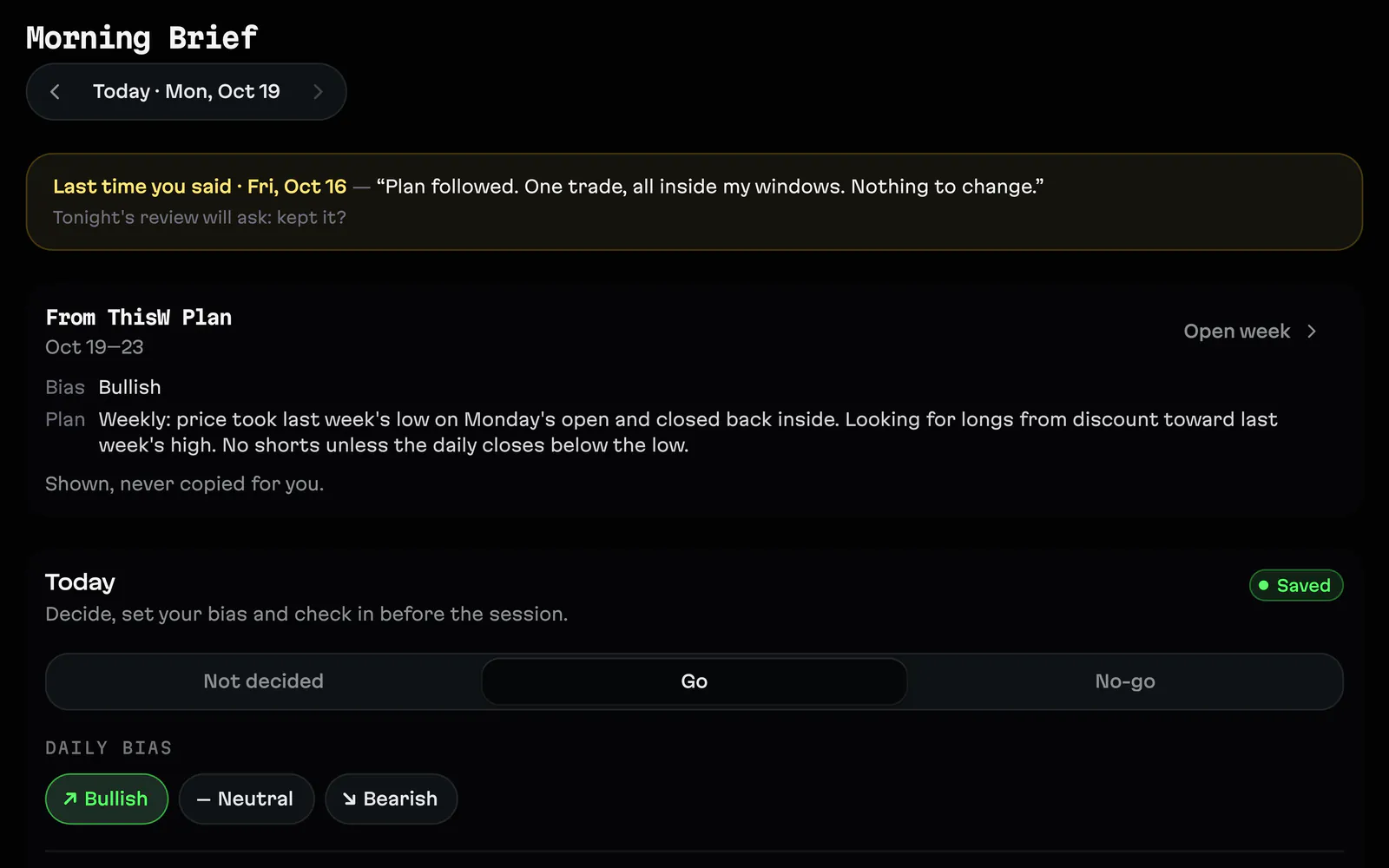
Morning BriefOne page before the open: the day's news, the levels you marked and your plan, so you start the session knowing what you are watching.
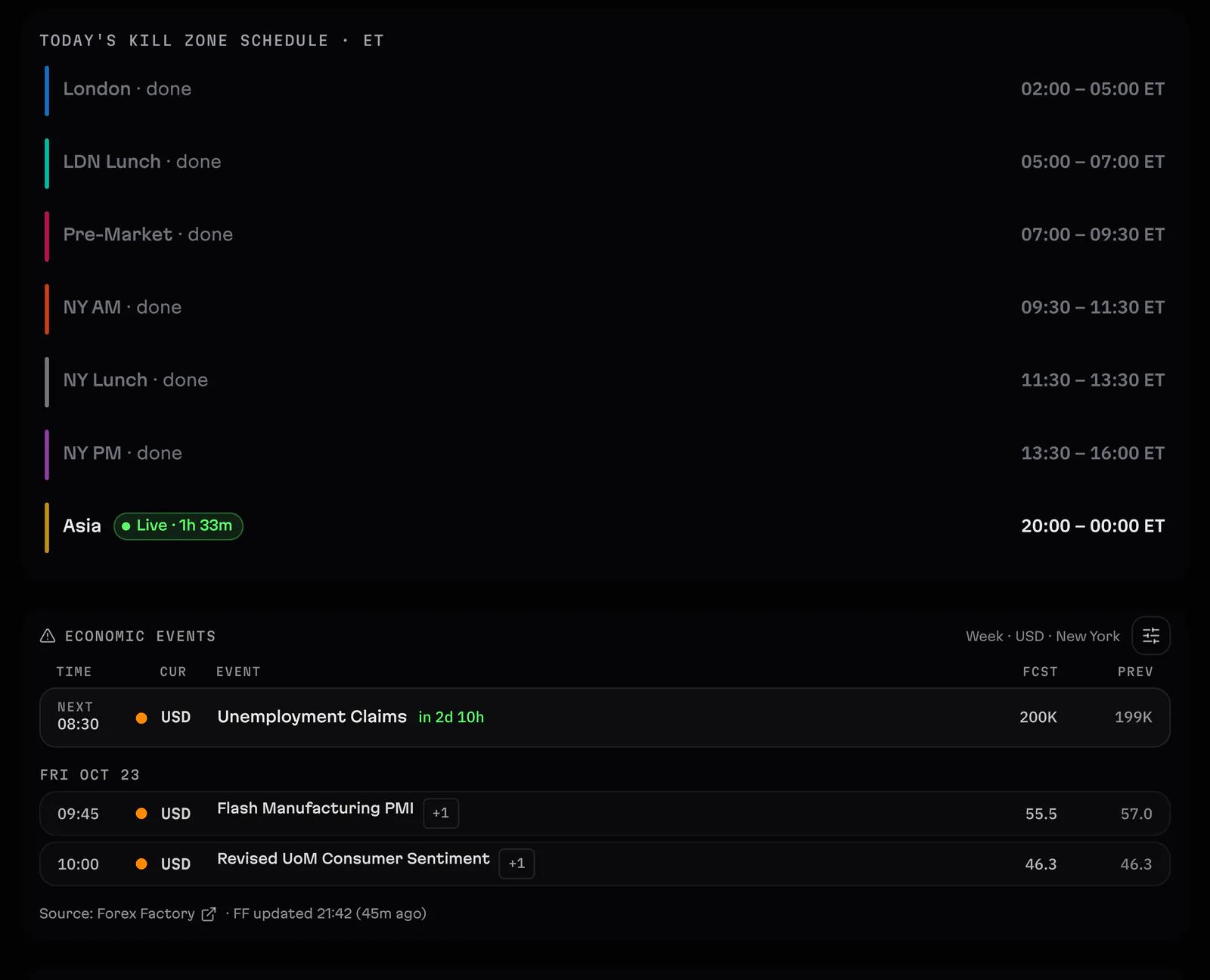
Economic calendar and alertsThe week's economic events in your time zone, alerts before high-impact news and futures roll reminders, with a Forex Factory import.
In the trade
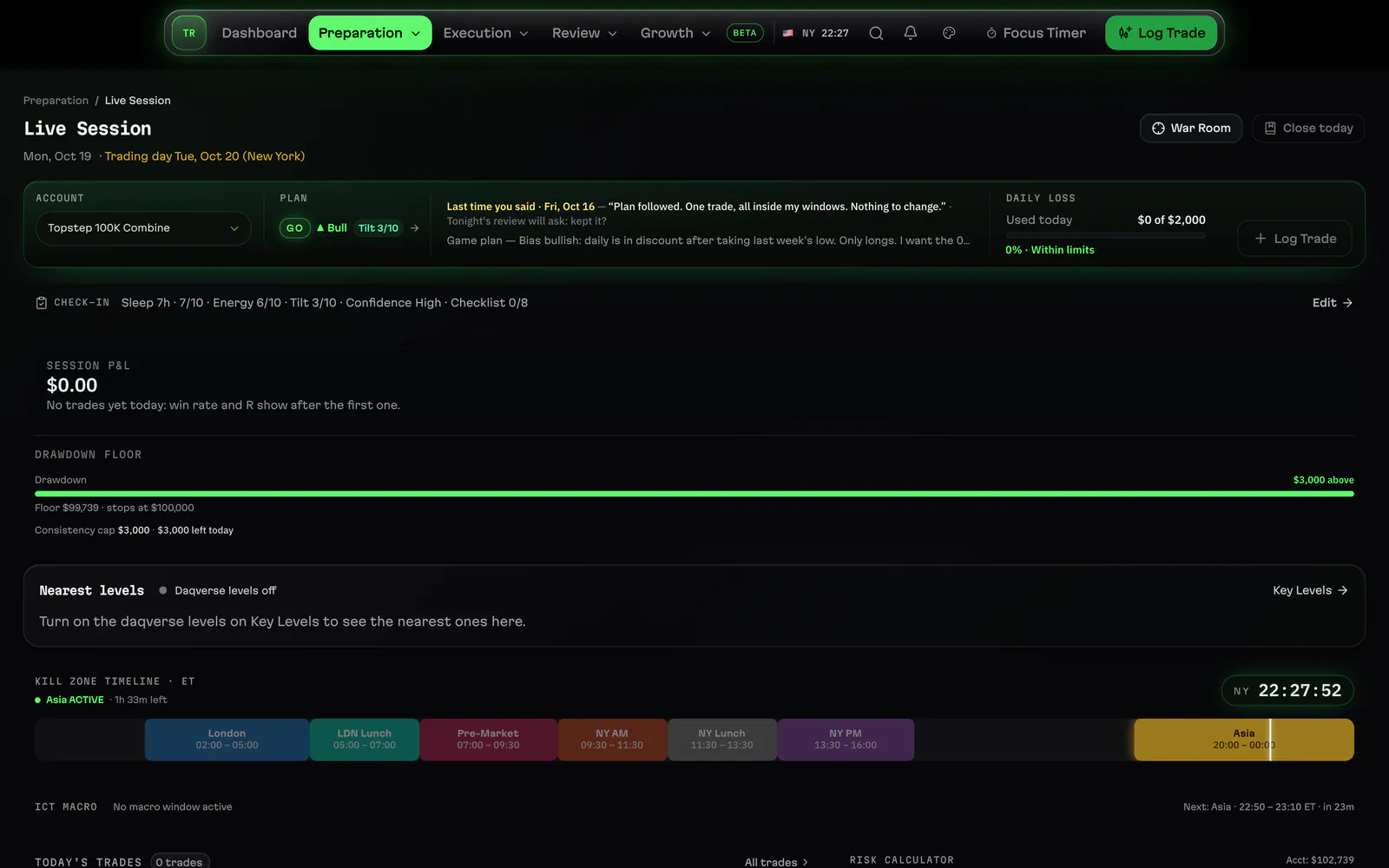
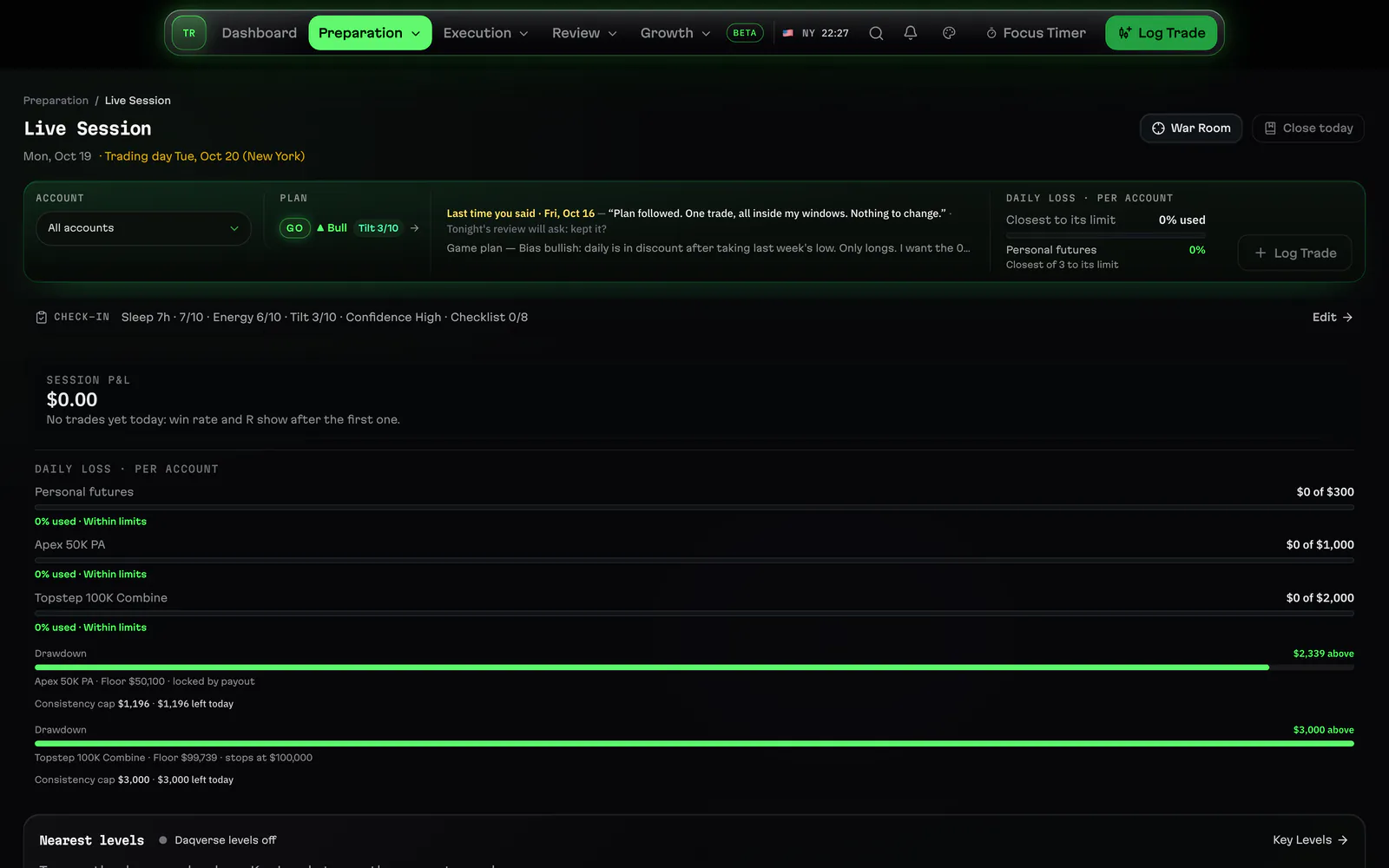
Live SessionLive Session shows the kill zone and macro open now, your daily loss room and the day's trades while you trade, in New York time.
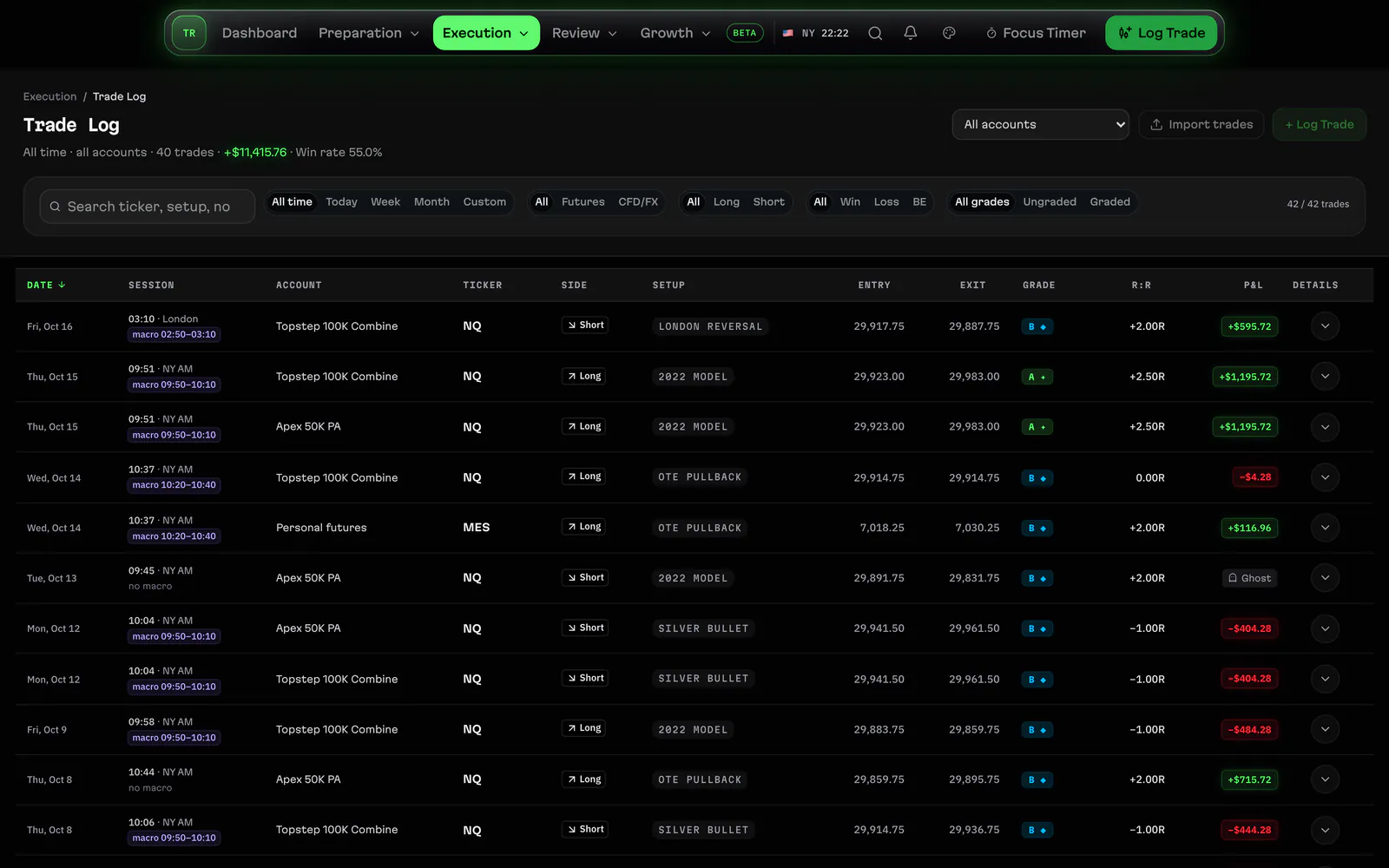
Trade logLog a futures or CFD trade in a compact ticket: points, ticks and dollars worked out, the draw on liquidity, and every trade in one list.
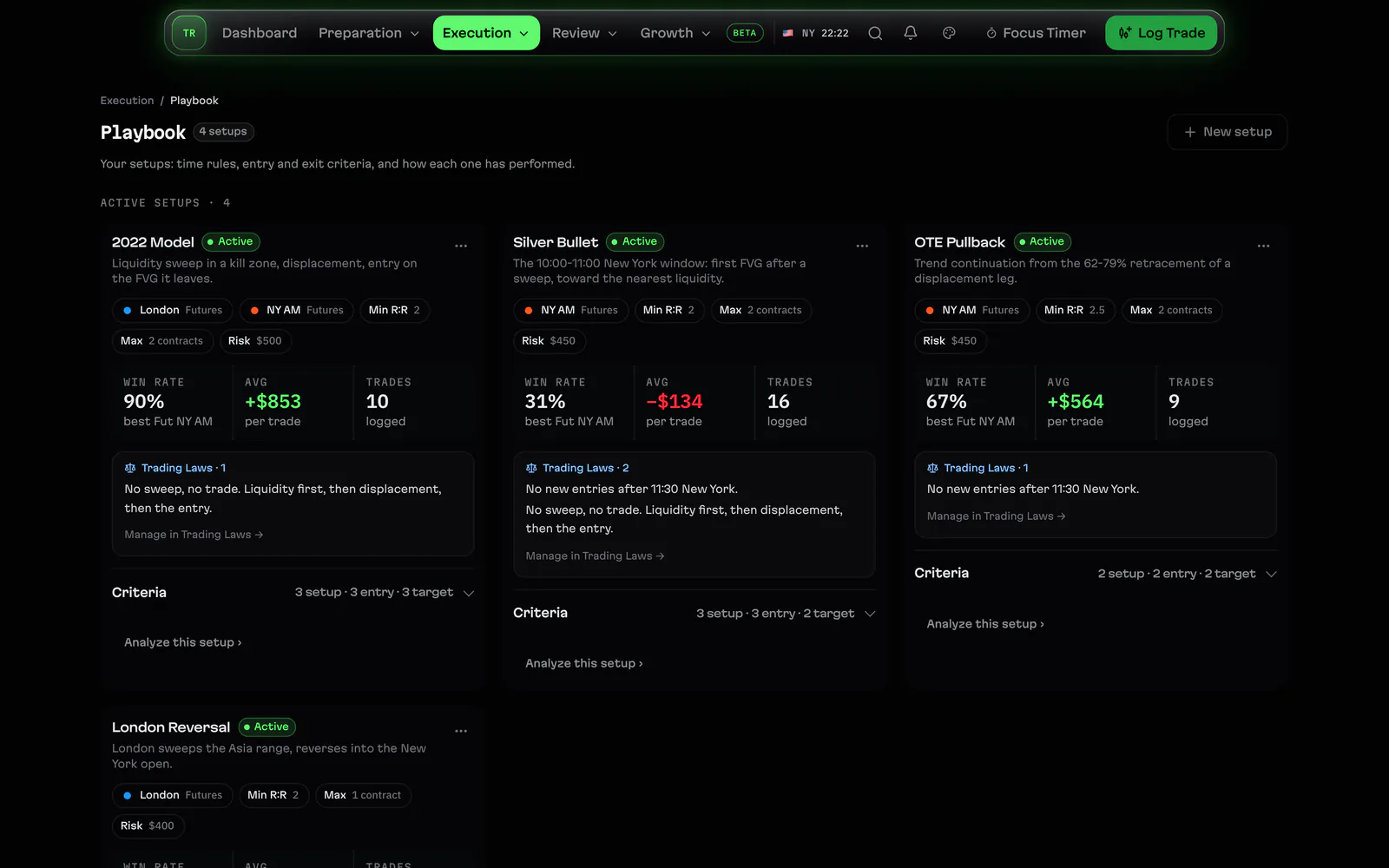
Trading playbookWrite each setup you trade as a Playbook model with its checklist, tag trades with it and see how each model is doing from your own trades.
Daily loss limitSet a daily loss limit and a daily goal, watch the room left as you trade and get a Walk Away prompt when the limit is reached.
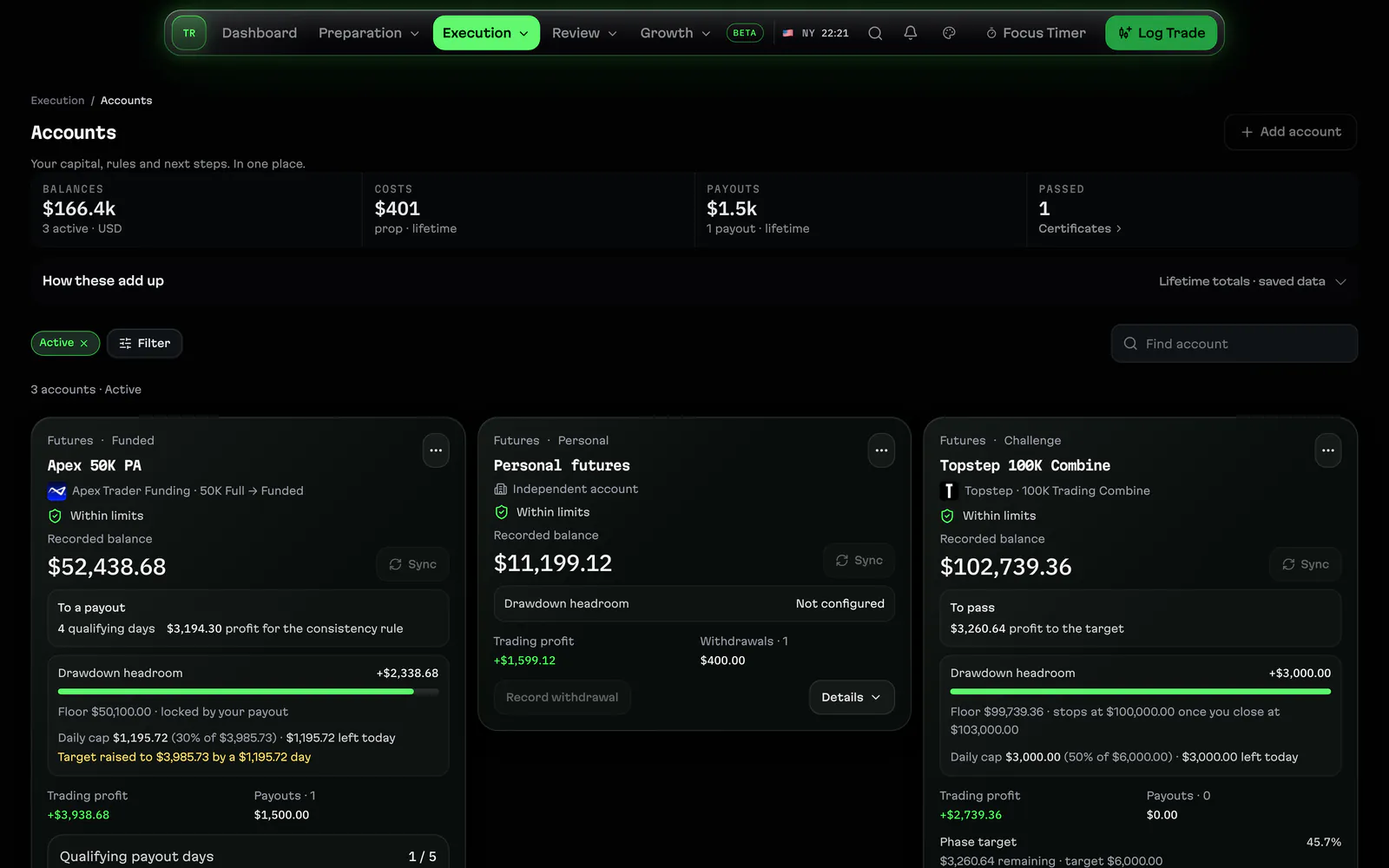
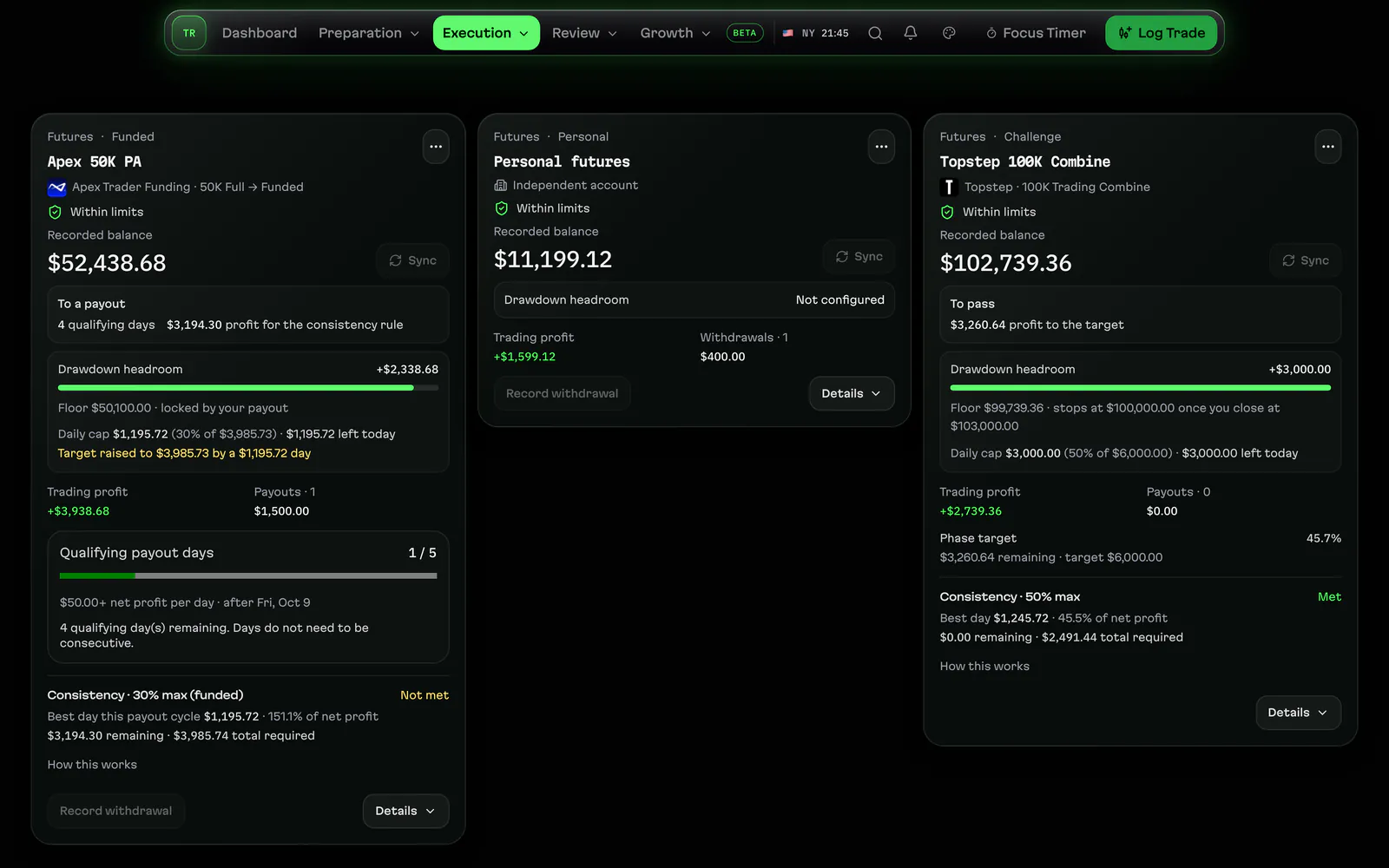
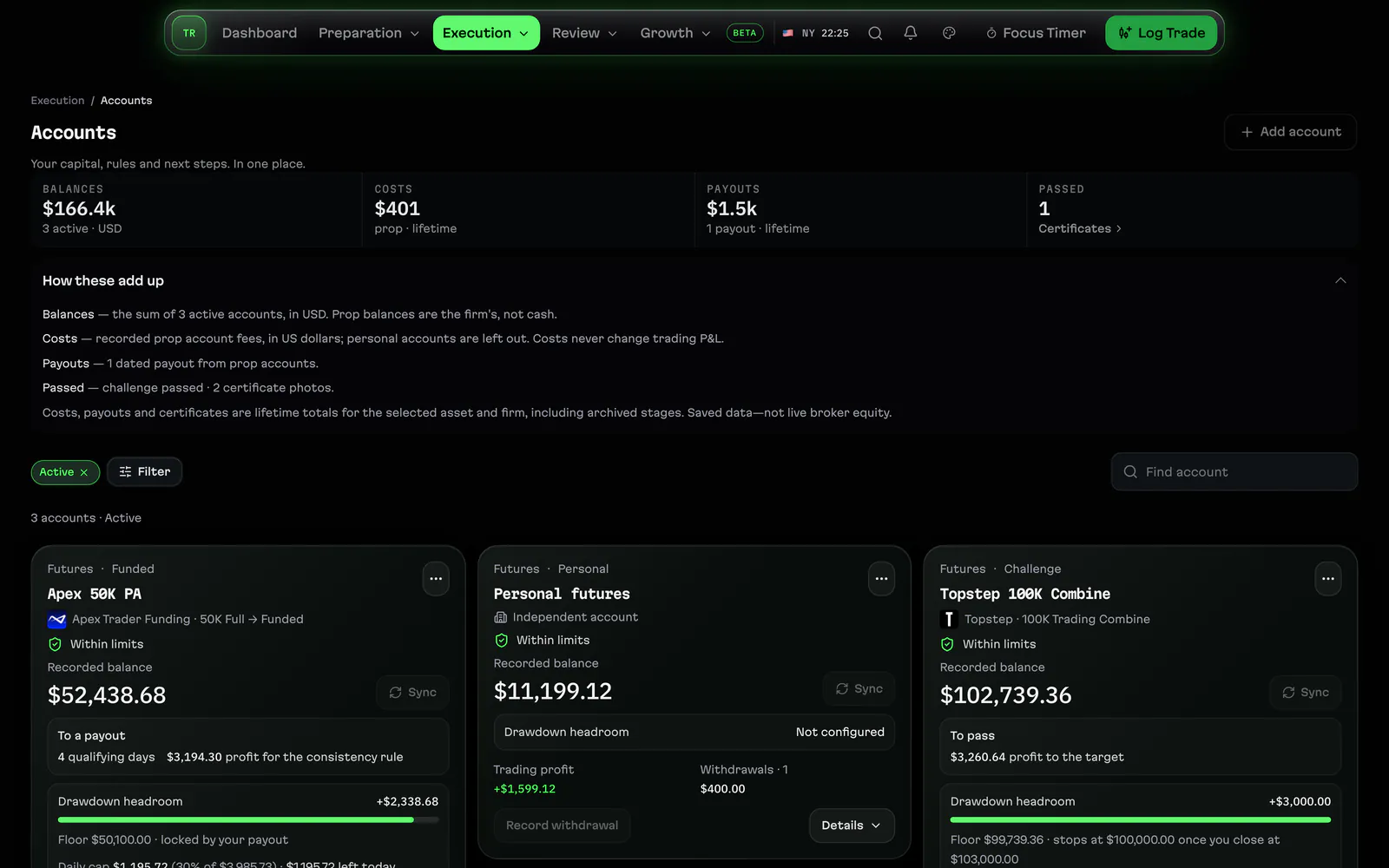
Trading accountsPersonal and prop accounts side by side: balances from your saved trades, withdrawals, and archived accounts that keep their history.
After the close
Session ReviewReview the session after the close: grade each trade against your plan, note what you followed and what you broke, in a few minutes.
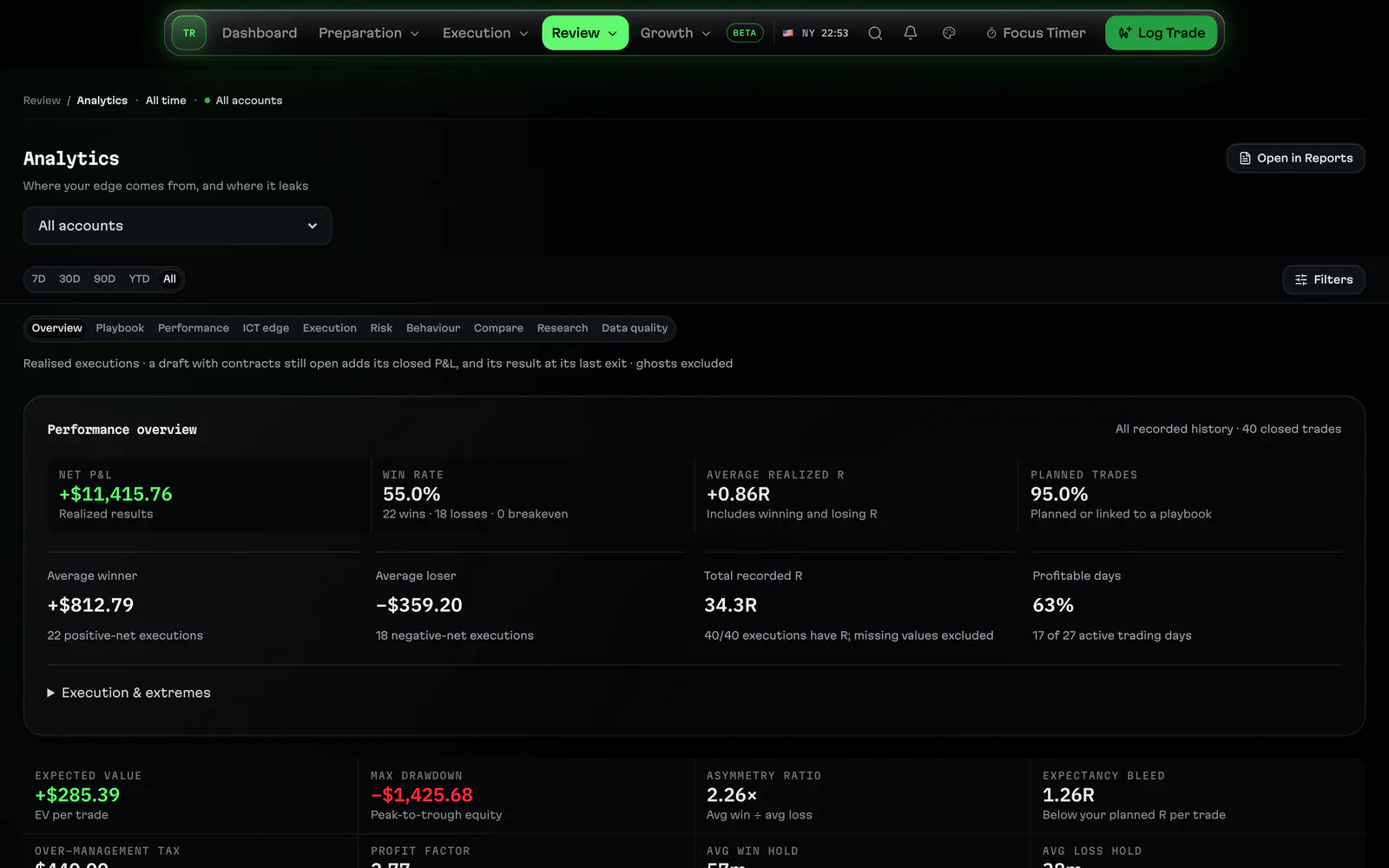
Trading analyticsAnalytics Overview reads your own trades: results by kill zone, setup, day and account, so you see where your trading is going.
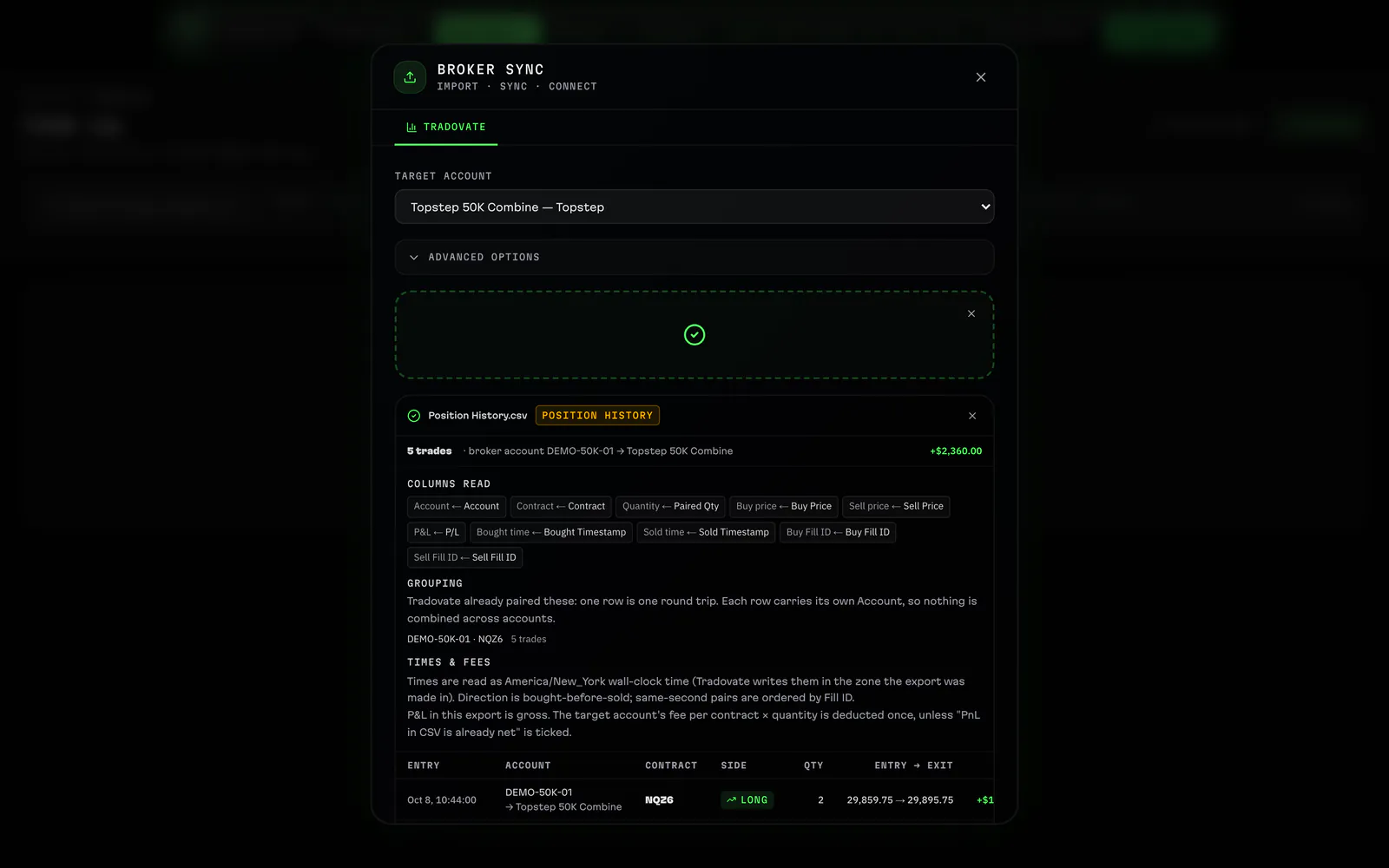
Tradovate importImport a Tradovate CSV: preview every trade, map each broker account to its journal account, then import, with every import kept in a history.
Growth
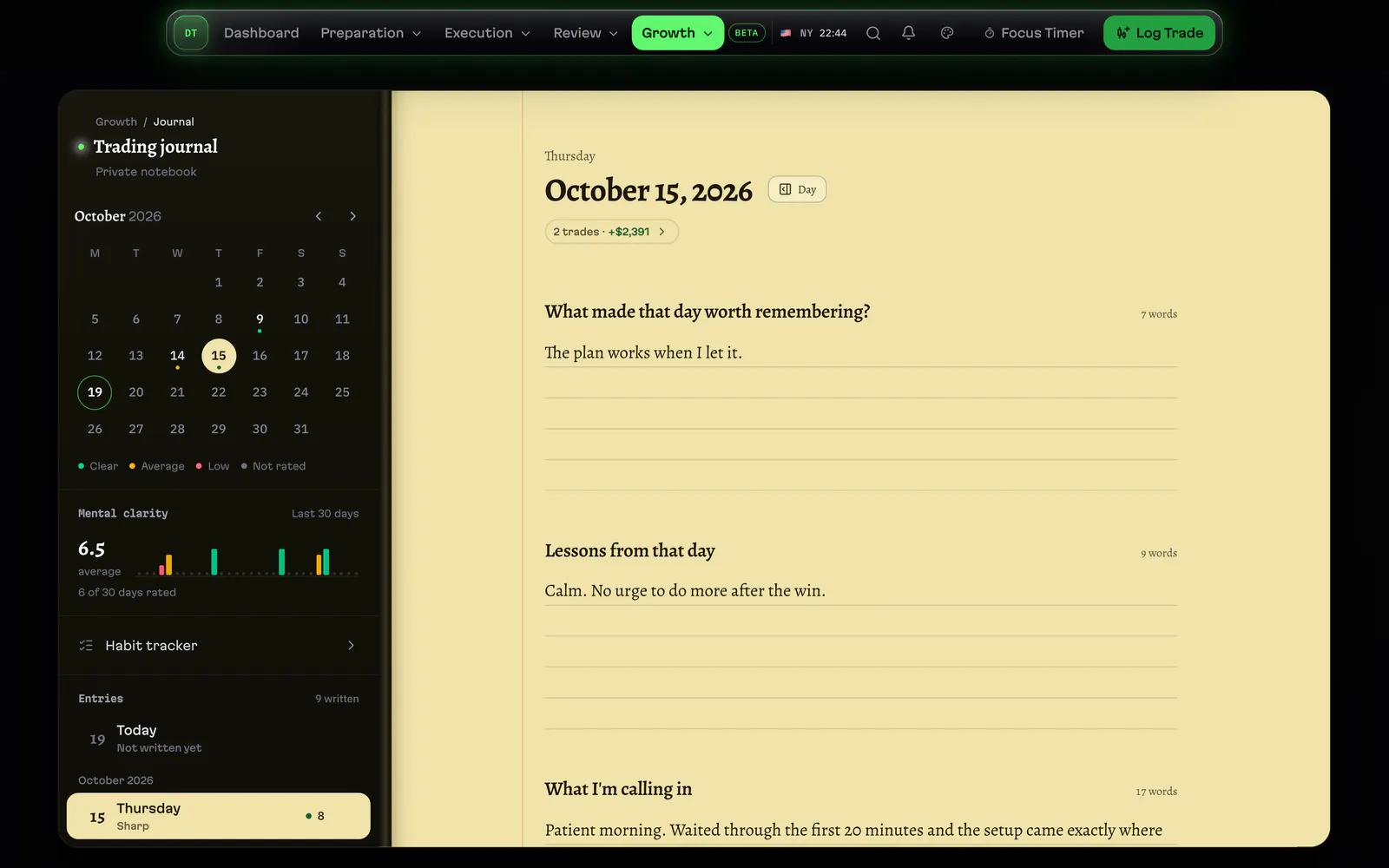
Daily trading journalA journal page for every trading day, in a book you write in: what happened, what you felt and the lesson you take into tomorrow.
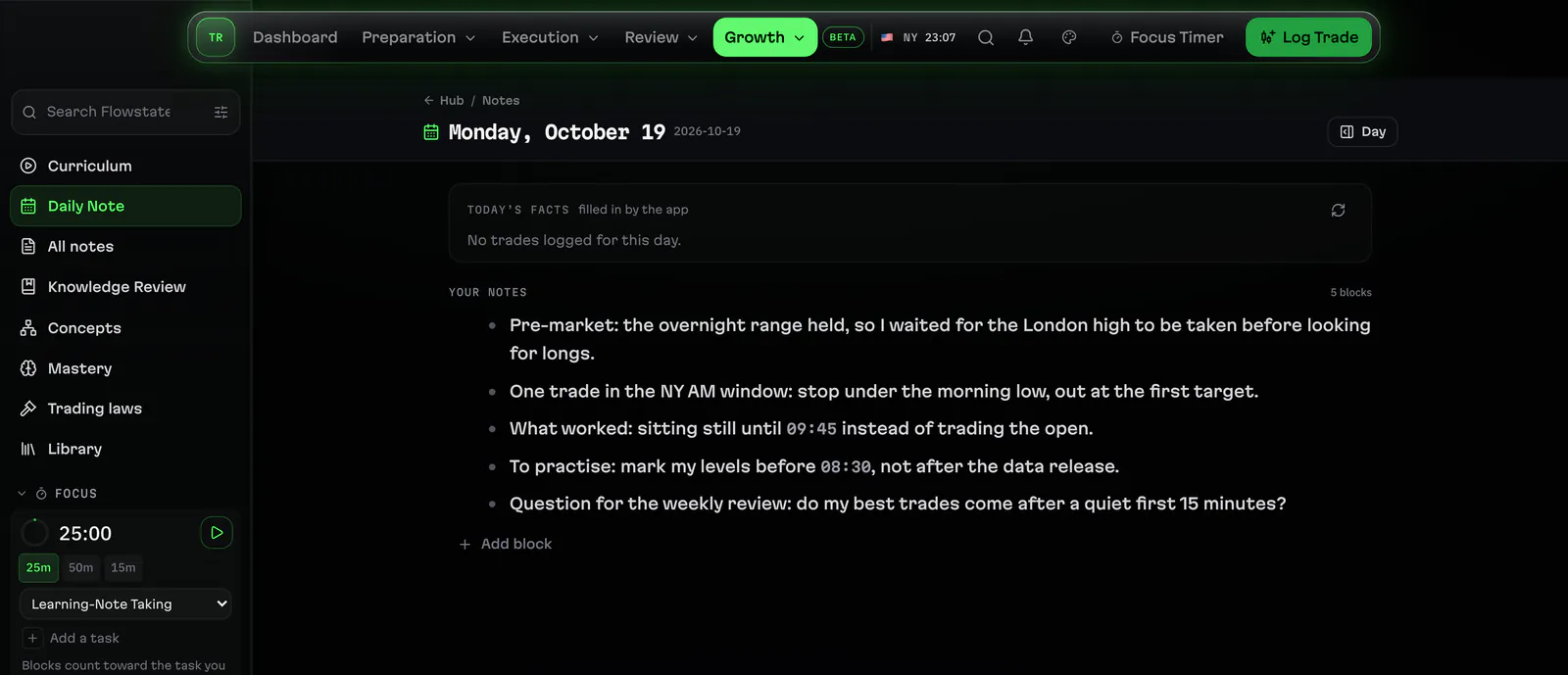
Flowstate study notesFlowstate keeps your trading study notes: a daily note beside each day's trades, linked pages and the concepts you are learning.
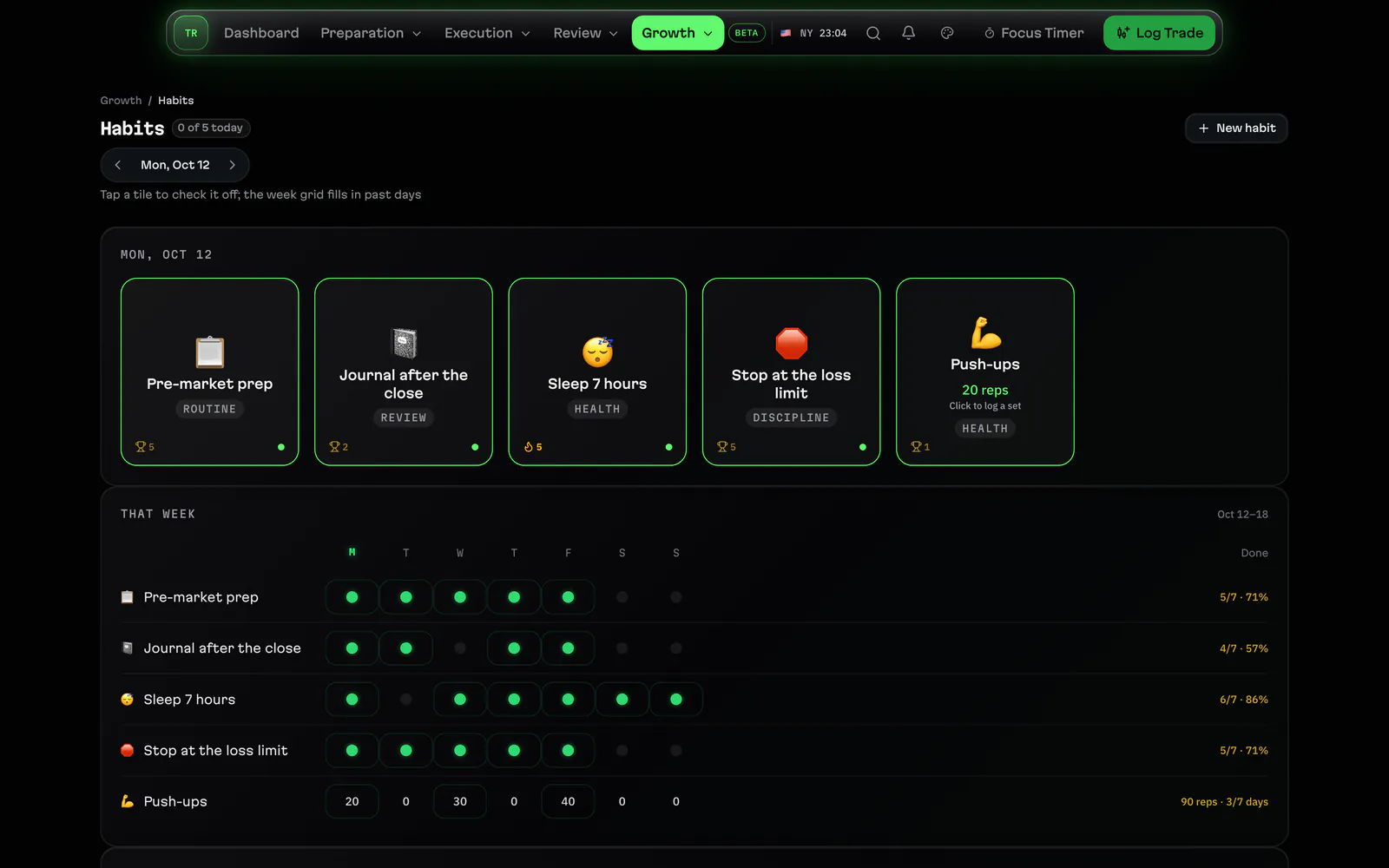
Habit trackerTrack the routines around your trading, sleep, prep and exercise, with sets and reps per day and weekly and monthly views.
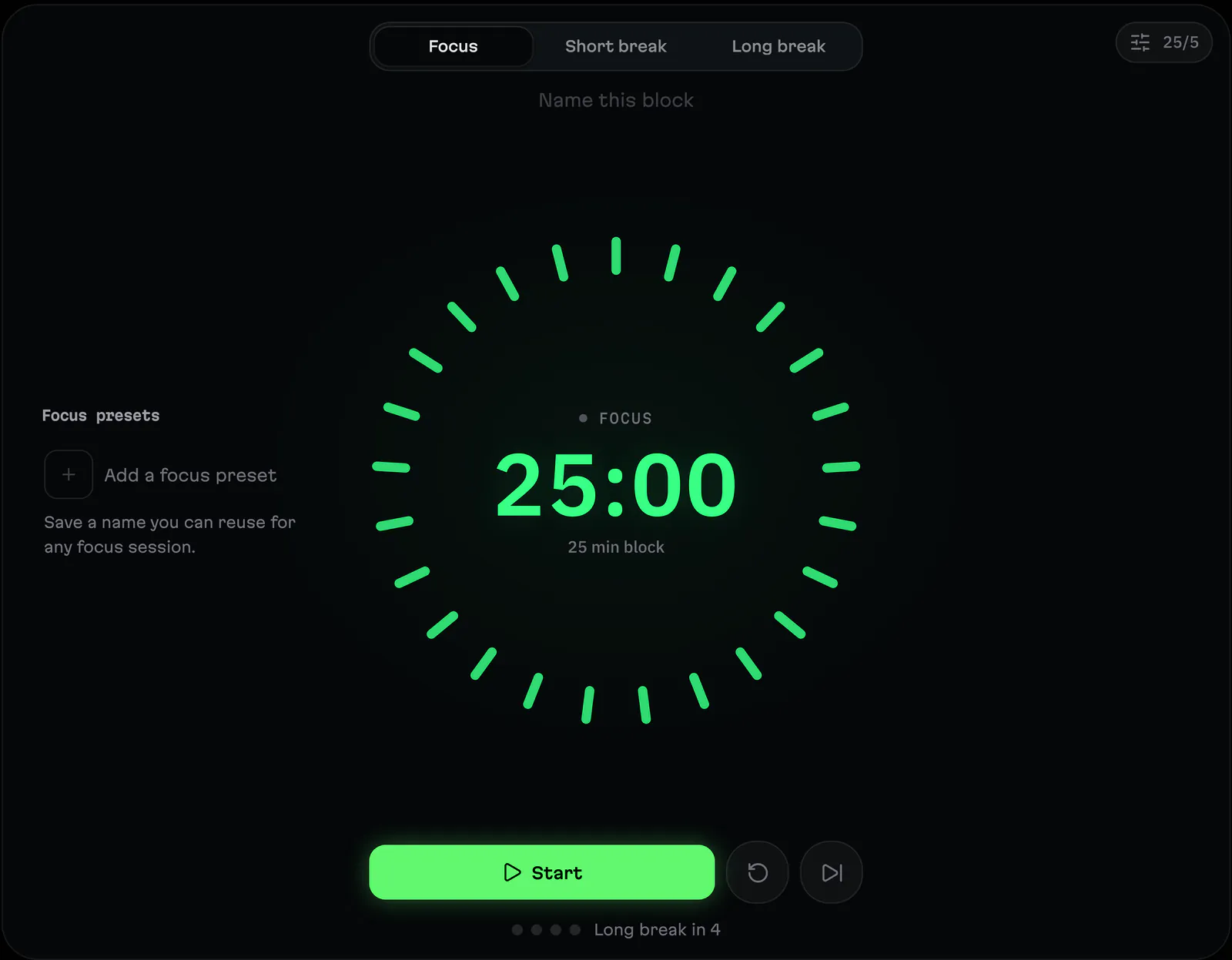
Focus timerA focus timer in the app's bar: named presets for prep, study and review blocks, with your focus time counted per day.
Plan the week
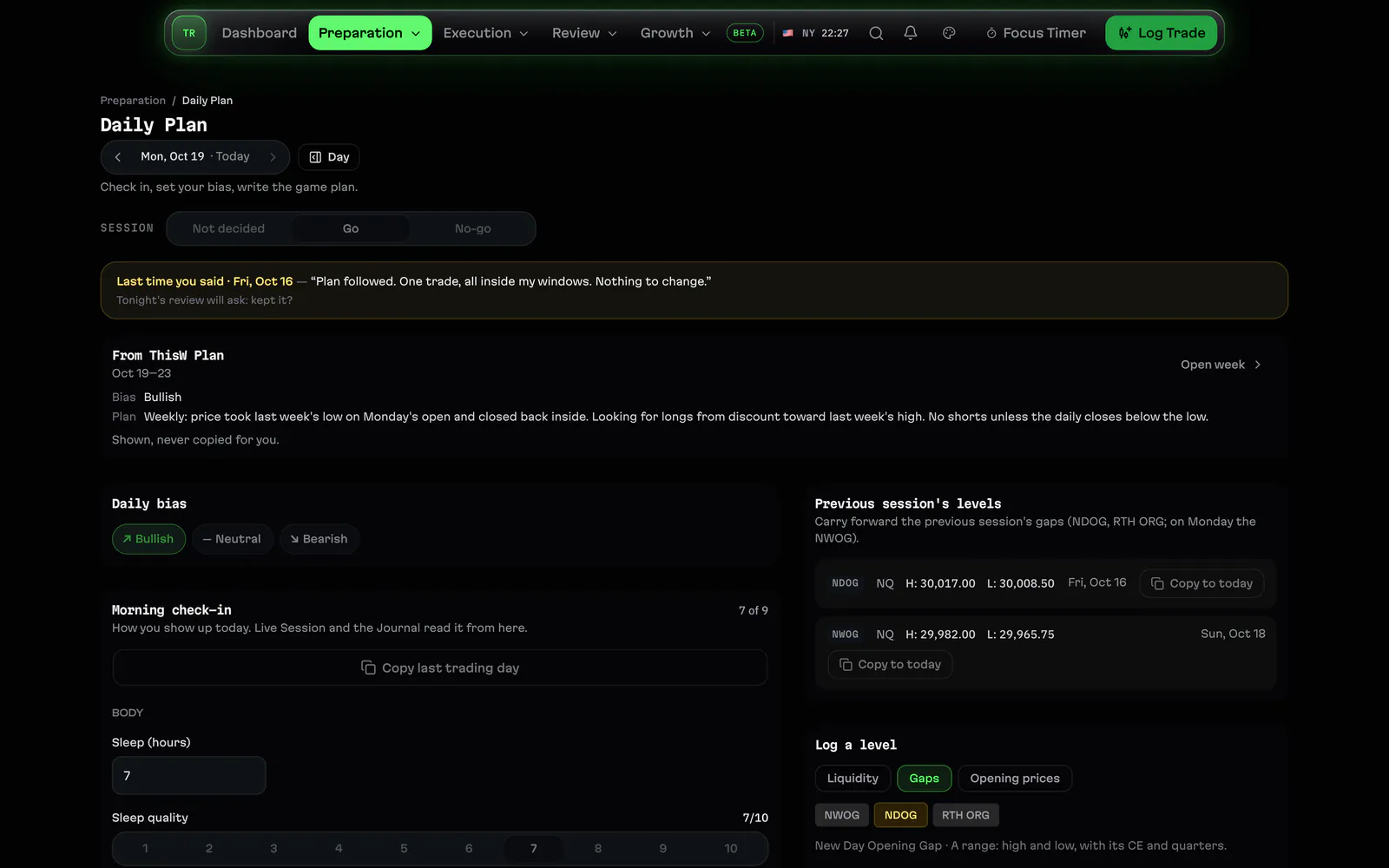
Daily PlanWrite the day's game plan: bias, scenarios, the levels you trade and the draw on liquidity, then check it against how the day went.
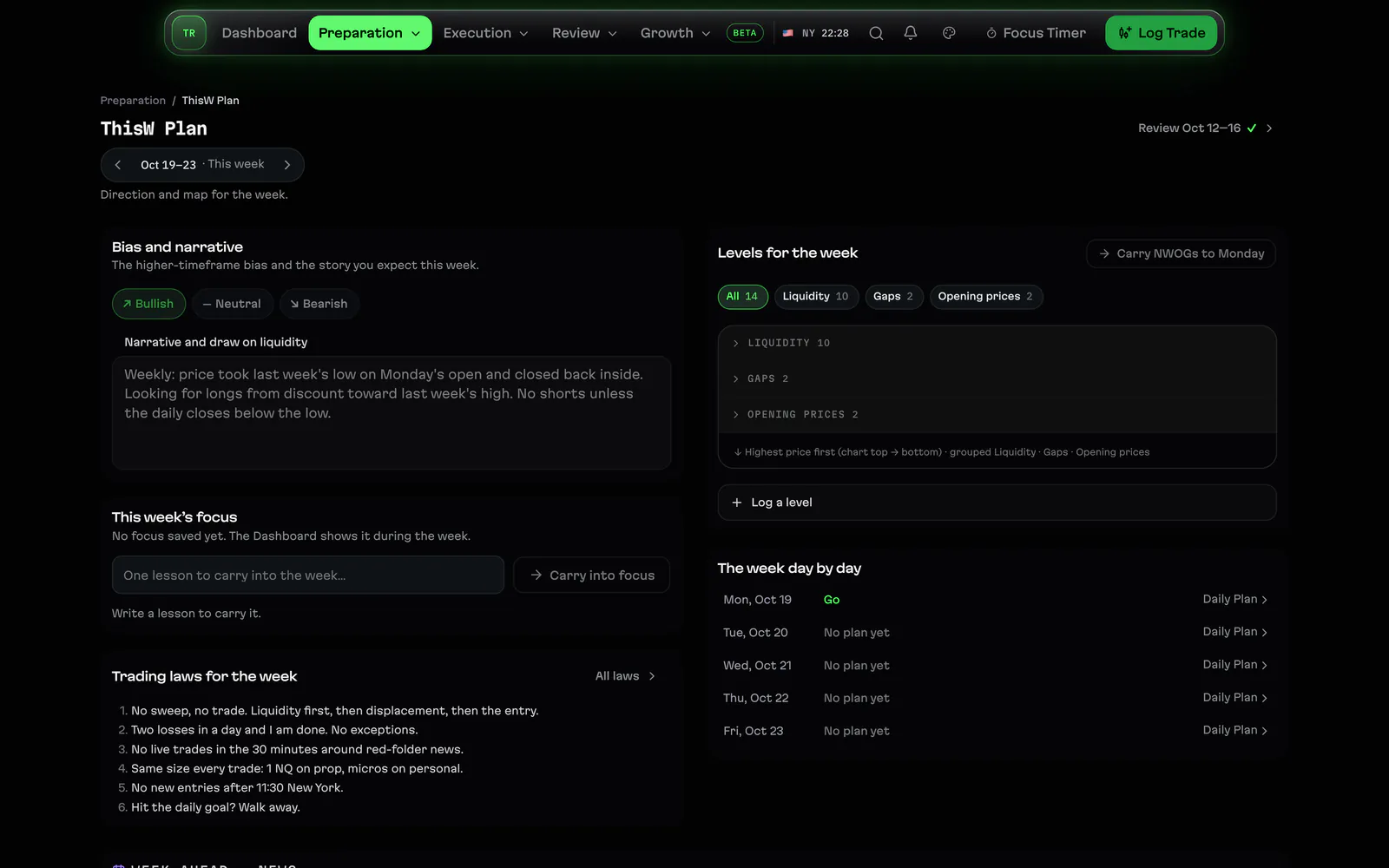
Weekly PlanPlan the trading week on Sunday: the bias, the levels and the one focus you carry into each day, shown on Home all week.
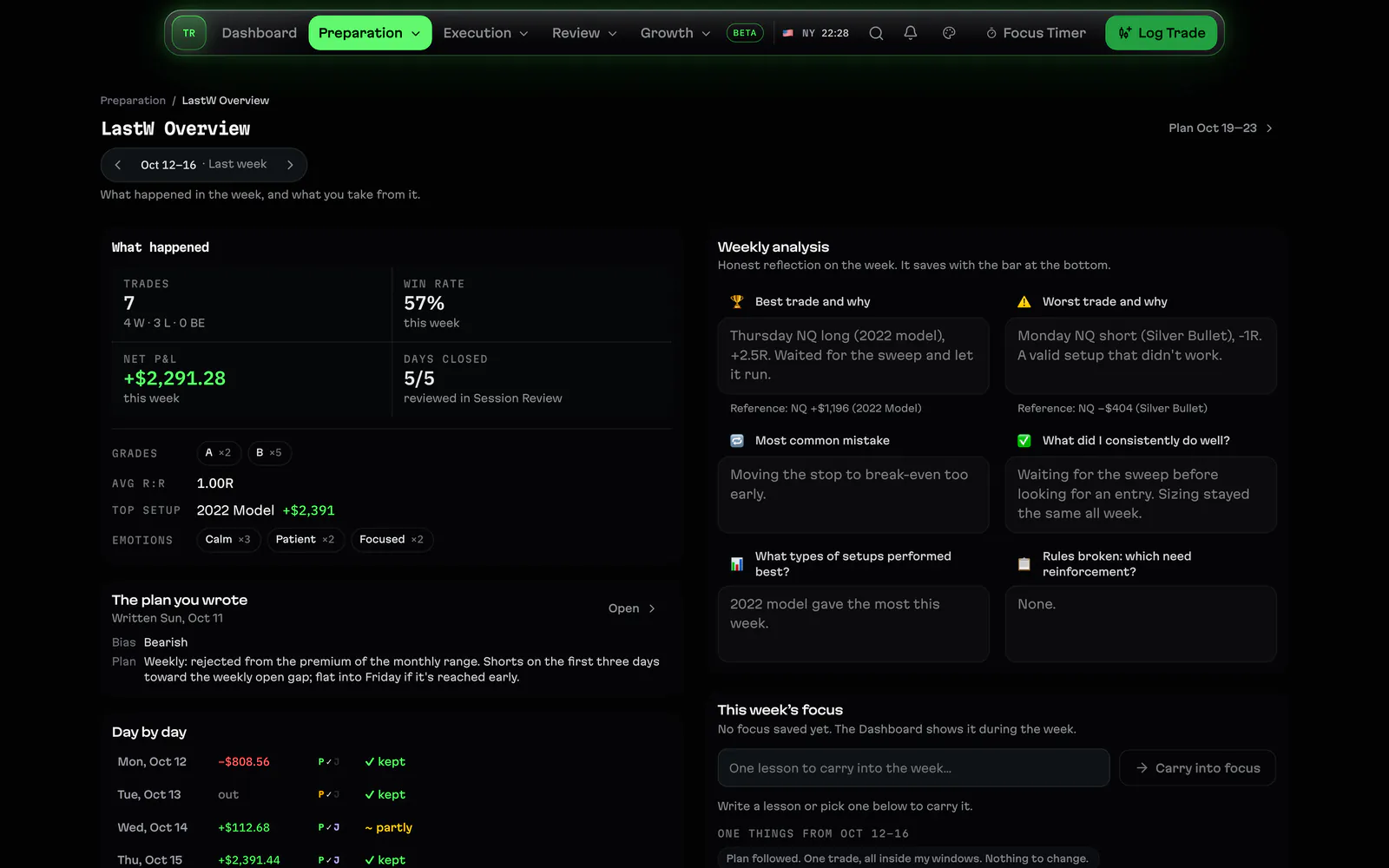
Weekly ReviewClose the week with a review: the week's numbers from your trades, what worked, what to change and the focus for next week.
Mark your levels
Go deeper
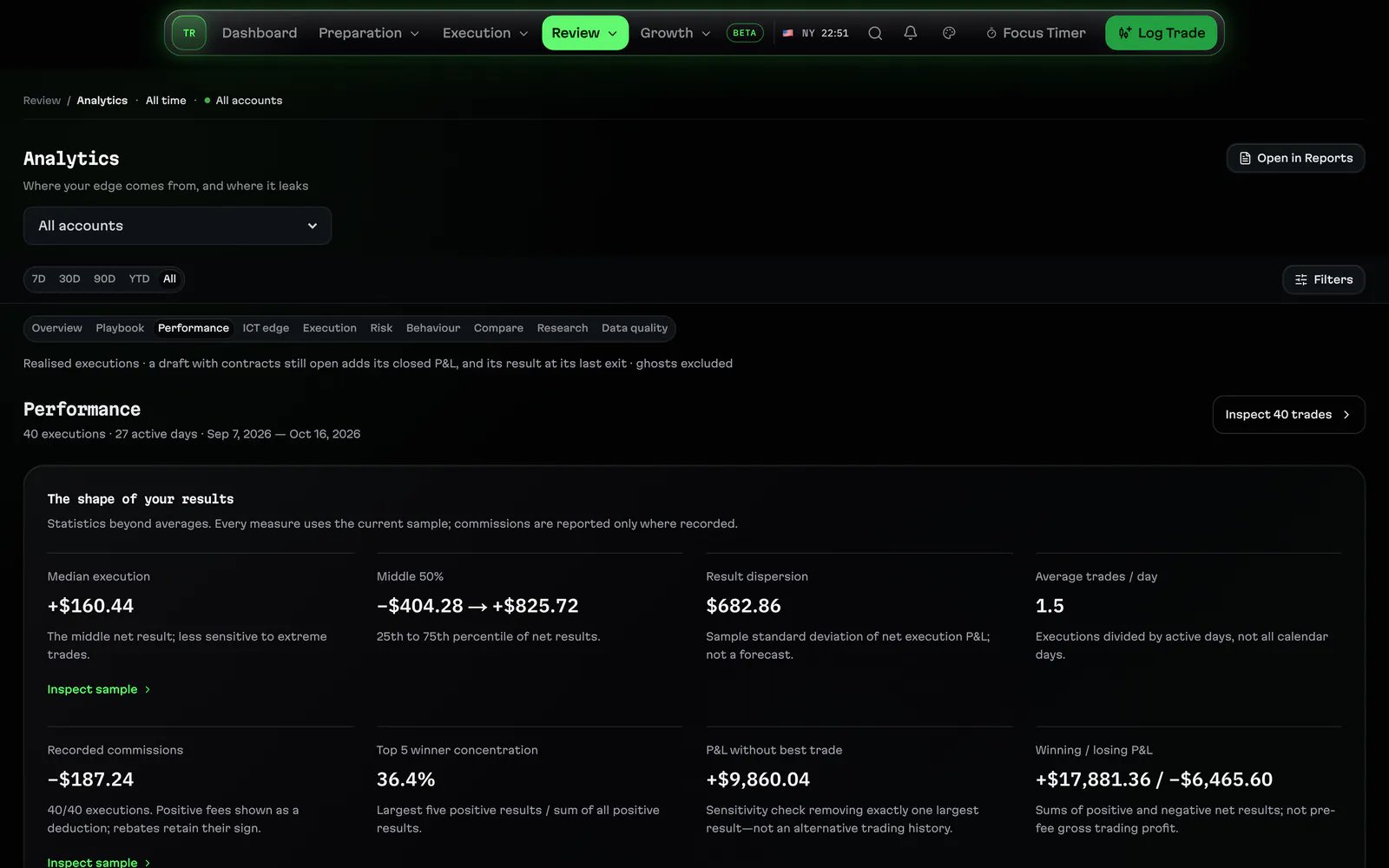
Performance analyticsThe Performance tab, similar trades and breach data: deeper analytics from your own saved trades, setups and accounts.
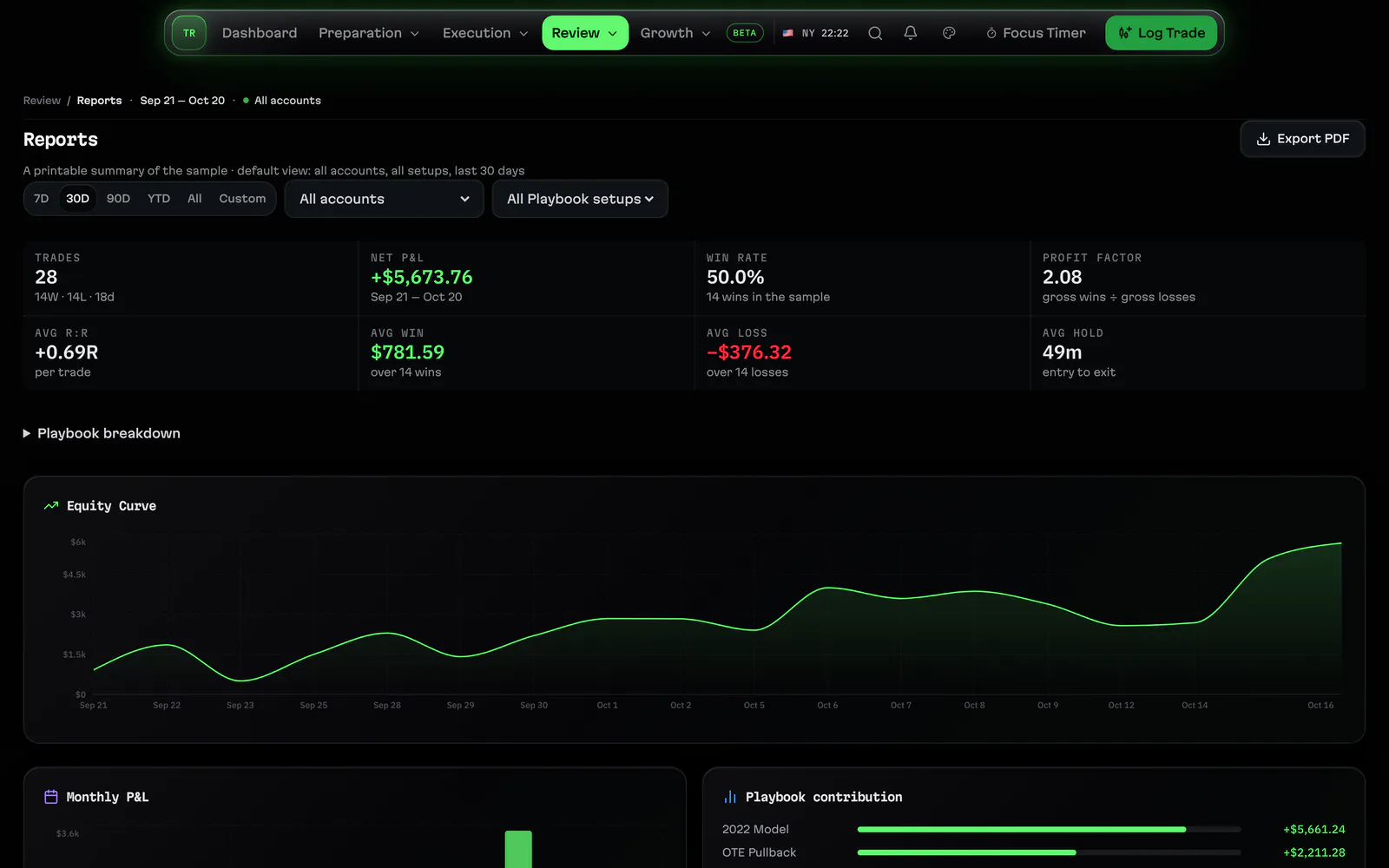
ReportsReports turn your saved trades into a printable summary for 7, 30 or 90 days, the year or any range: key numbers, equity curve and setups.
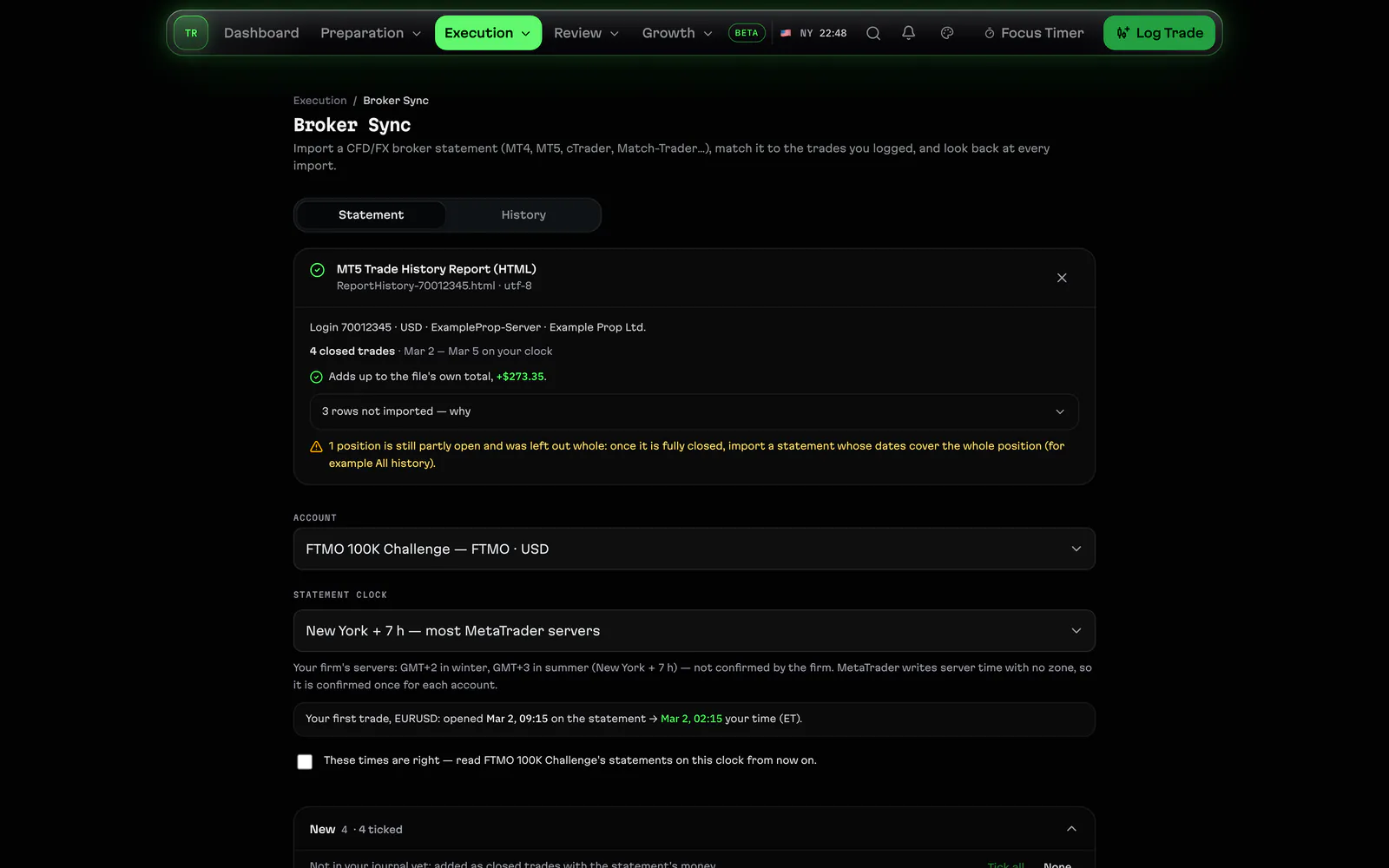
Statement importImport an MT4 or MT5 statement and other broker statements into your journal: a preview of every position before anything is saved.
Prop accounts
Prop firm rulesTrack each prop account by its firm's rules: drawdown floor, daily loss, profit target, consistency and minimum days, with warnings.
Prop firm payoutsTrack payouts on each prop account and what the accounts cost you against what they paid, from the numbers you enter.
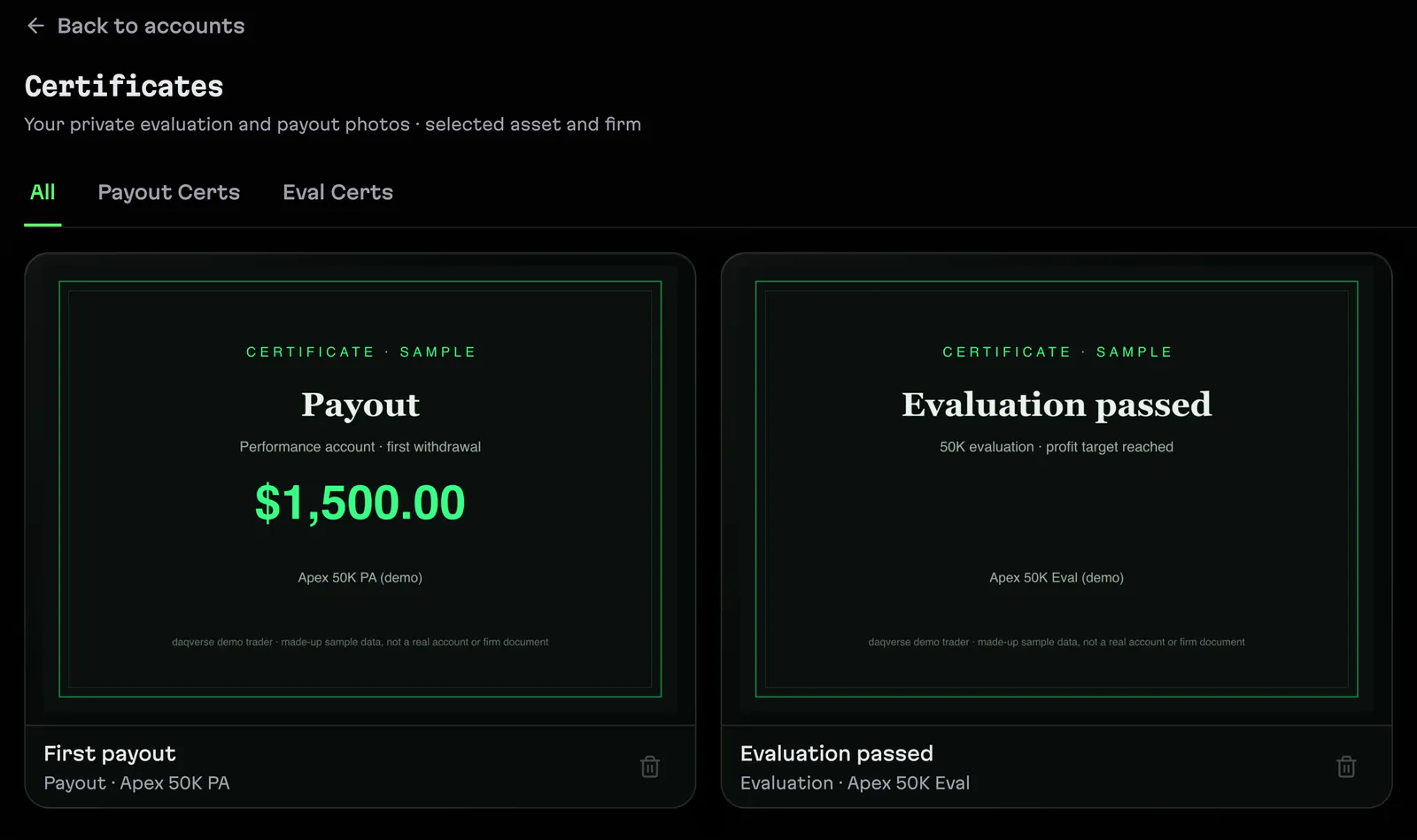
Prop challenge trackerFollow a prop account from evaluation to funded: its phases, certificates, the upgrade to funded and a review when an account breaches.
Questions
Are the screenshots from the real app?
Yes. They are captured from daqverse itself at 3840 pixels wide, filled with made-up sample accounts, trades and notes, never a real trader's data.
Does daqverse connect to my broker?
No. It reads the trades you log in the ticket or import from a file, and works out balances and limits from those saved trades.
About daqverse
daqverse is a trading journal built for ICT and prop-firm futures traders: it tags every trade with its New York kill zone and tracks each prop account's drawdown rules.
Page updated .
Related
- Prop firm trading journalA journal for prop firm futures traders: each account's drawdown floor, daily loss limit and payout rules tracked from your own trades, as you set them.
- ICT trading journalA trading journal for ICT traders: every trade tagged with its New York kill zone and macro, a daily plan, a live session view and reviews by setup.
- NQ futures trading journalJournal NQ and MNQ trades with points, ticks and dollars worked out, New York sessions and kill zones on every trade, and key levels for the Nasdaq.
- Free trading toolsFree tools for futures traders, no account needed: prop firm drawdown, consistency and profit target, position size, risk of ruin and a kill zone clock.
Journal your next session in daqverse
daqverse is in early access: request a place and we email you an invite. Already invited? Log in.